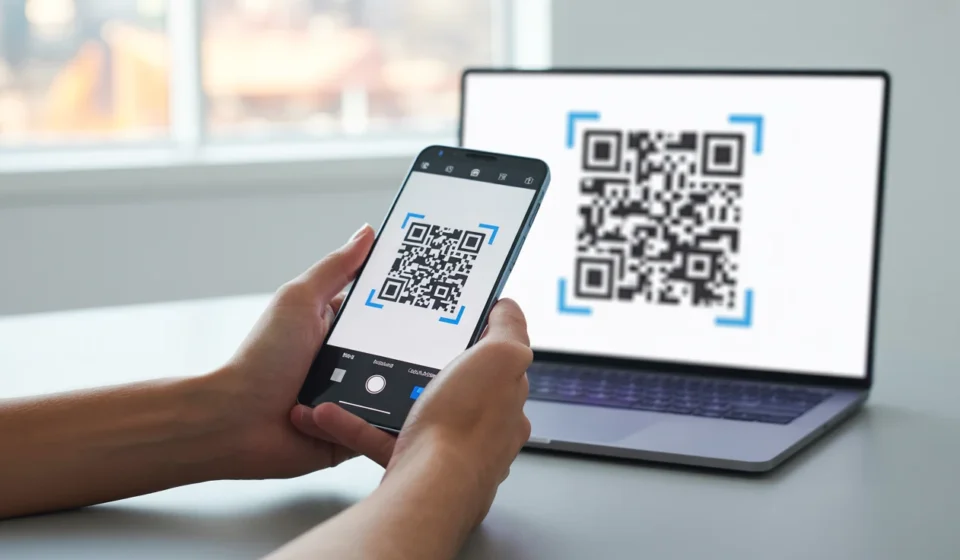

QR codes have become a practical part of everyday digital interactions. They can be found on restaurant menus, product packaging, event tickets, advertisements, business cards, and printed documents, providing a quick way to access digital information.
A QRScanner can help users read the information encoded in a QR code through a browser-based process. This can be particularly useful when a QR code is already available as an image on a computer, laptop, or other device.
What Is a QRScanner?
A QR scanner is a tool that recognizes the visual pattern of a QR code and decodes the information stored inside it. The information may be a website address, plain text, contact details, Wi-Fi information, or another supported data format.
QR scanners are available in different forms. Smartphone cameras can often recognize QR codes directly, while online scanners can be useful for processing saved images through a web browser.
How to Scan a QR Code Online
Scanning a QR code online is generally a simple process. Although the interface can vary between services, the basic steps are similar.
Step 1: Prepare the QR Code Image
Start with a clear image containing the QR code. This could be a photograph, screenshot, downloaded image, or digital document.
Make sure the complete QR pattern is visible. Blurry, distorted, or heavily cropped images may be more difficult to decode.
Step 2: Open an Online Scanner
Use a reliable QR scanning service in a compatible browser. Online scanning can be convenient when the QR code is already stored digitally and does not need to be captured with a phone camera.
Check that you are using the intended website before uploading any files.
Step 3: Upload the Image
Choose the scanner’s upload option and select the QR code image from your device. The service will analyze the image and attempt to identify the QR pattern.
If the first attempt fails, try using the original or a higher-quality version of the image.
Step 4: Review the Decoded Information
Once the QR code has been recognized, the scanner should display its contents. This might be a URL, text, contact information, or another type of data.
Review the result carefully before opening links or taking further action.
What Can QR Codes Store?
QR codes can contain different kinds of information depending on how they were created. Common examples include:
- Website URLs
- Plain text
- Contact information
- Email addresses
- Phone numbers
- Wi-Fi network details
- Event information
- Product-related information
The scanner decodes the information but does not determine whether the content is useful or trustworthy.
How to Improve Scanning Accuracy
The quality of the QR code image can have a significant effect on the scanning process. A clear and properly framed image generally provides the best results.
Avoid excessive compression, filters, distortion, or cropping. When using a camera, make sure there is sufficient lighting and keep the device steady while capturing the code.
If a QR code remains unreadable, try obtaining a better-quality image rather than repeatedly scanning the same poor-quality copy.
QRScanner Safety Considerations
Scanning a QR code does not automatically make its destination safe. A QR code can lead to a legitimate website, but it can also direct users to phishing pages, deceptive websites, or unexpected downloads.
Before opening an unfamiliar URL, check the domain and consider whether it matches the organization or situation associated with the QR code.
Safe QR Scanning Practices
- Review URLs before opening unfamiliar websites.
- Be cautious with QR codes from unknown sources.
- Avoid entering passwords or payment information on suspicious pages.
- Do not download unexpected files after scanning.
- Keep your browser and device software updated.
Online QR Scanner vs. Mobile Camera
A smartphone camera is often the easiest choice when you are scanning a physical QR code. Modern mobile devices may recognize the code automatically without requiring a separate application.
An online scanner can be more convenient when the QR code is already saved as an image. For example, someone working on a desktop may be able to upload a screenshot directly rather than transferring it to a phone.
Common Reasons a QR Code May Not Scan
Several factors can prevent successful decoding. The image may be too blurry, the code may be partially covered, or the pattern may have been distorted during resizing or editing.
Low contrast and insufficient image resolution can also cause problems. Using a clearer image with the full QR code visible is often the simplest solution.
Final Thoughts
QR scanning provides a quick way to turn a visual code into usable digital information. Online scanners are particularly useful when QR codes are stored as images and need to be read from a computer or another device.
For the best results, use a clear image, follow the scanner’s instructions, and review decoded links before interacting with them. A few simple precautions can make online QR scanning both convenient and safer.